Interactive Learning

Following is a list of digital tools and activities that have been compiled to support classroom learning and engagement. From practicing kerning to processing design sprint prompts, technology should be used as the tool that is to support learning.
These tools work great as a whole class warm-up as well as individual learning. Figma Ninja can be a starting requirement before working on a project using the Figma program while the others have scoring that can encourage friendly competition.

DESIGN TOOLS
Figma Ninja: Learning digital design tools
Designer’s Eyes: Guess the true center of the shapes you see
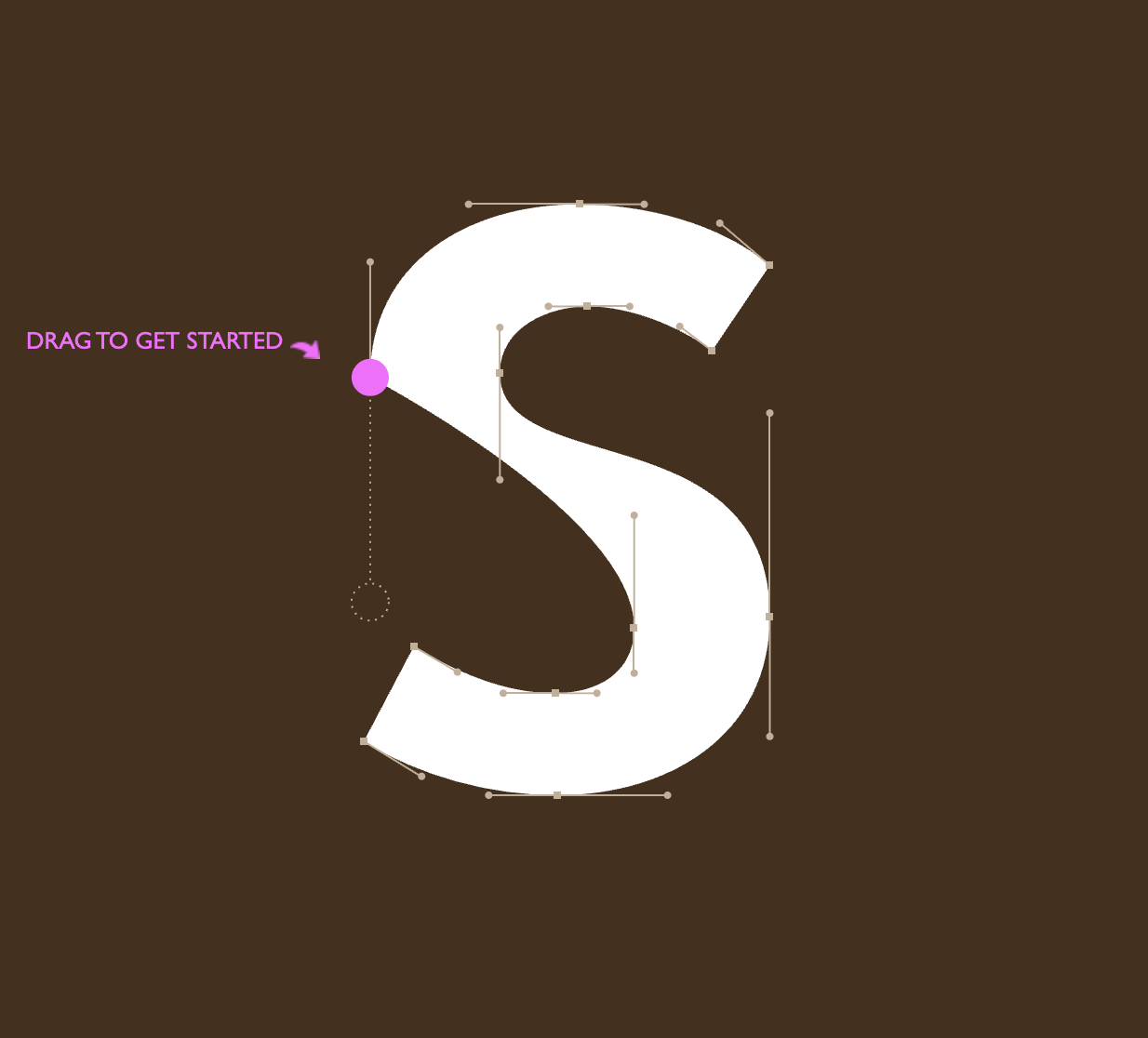
The Bezier Game: Practice with the pen tool
The Boolean Game: Practice with booleans and shape creation
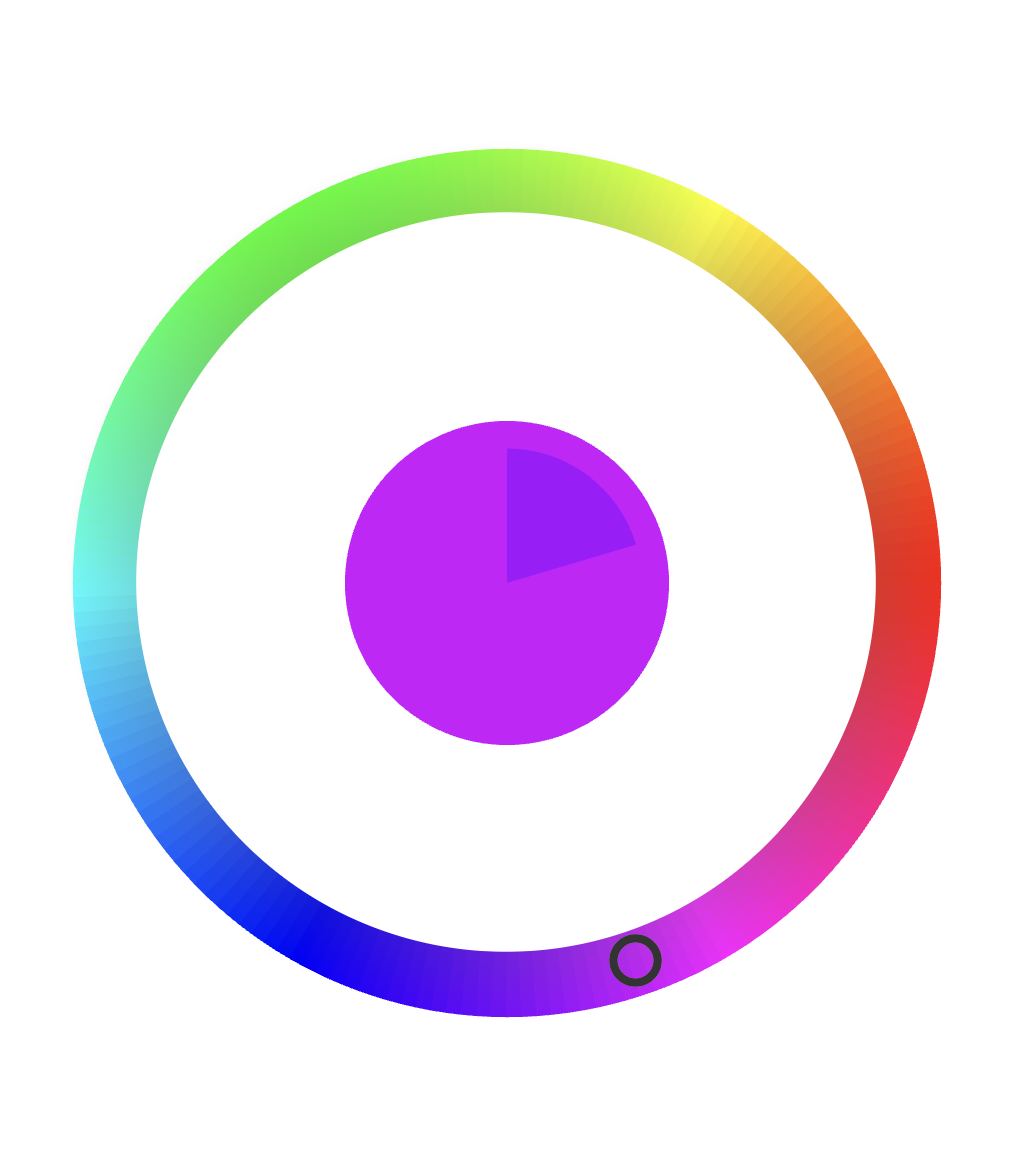
These tools are great for an active warm-up. Have students help you pick what colors to add to mix or identify the correct hue.
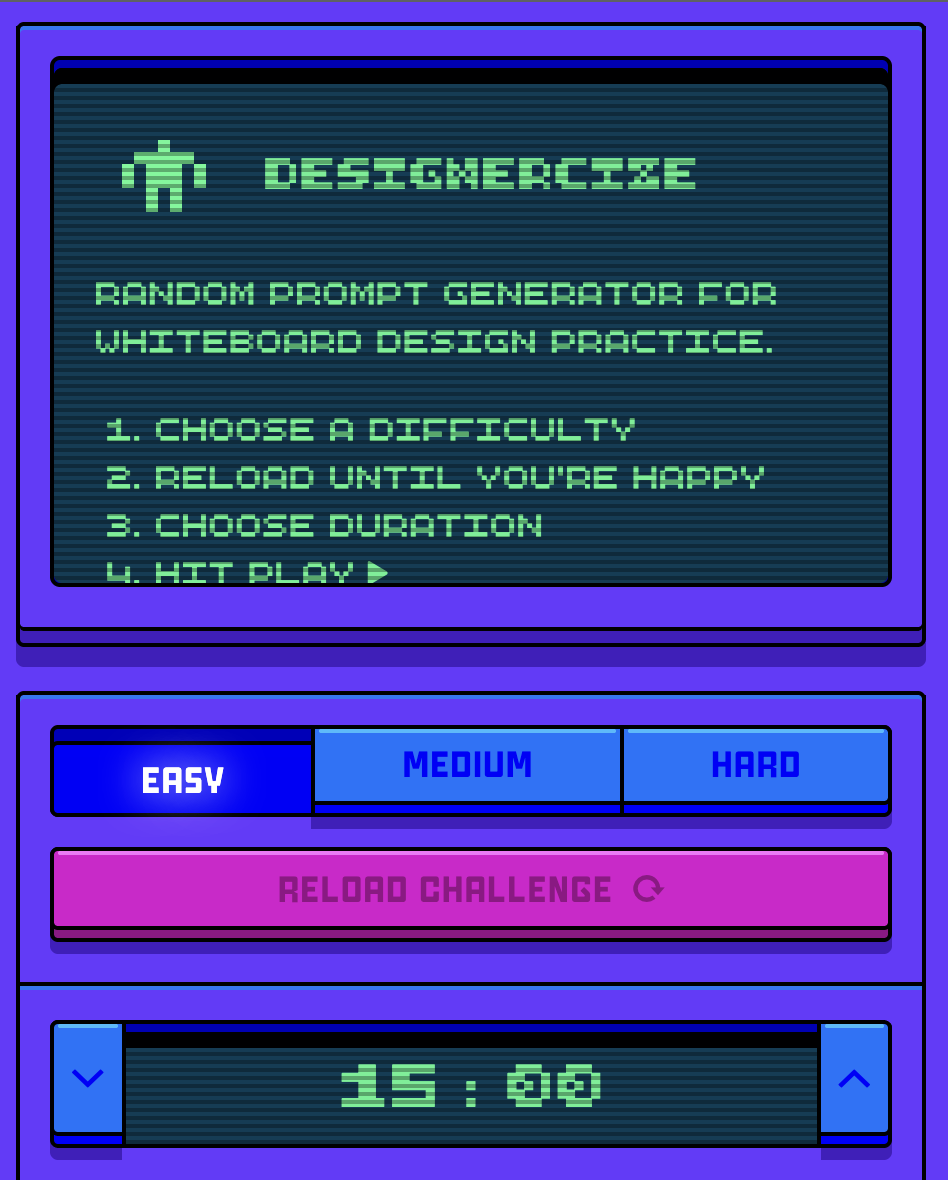
The design sprint outlined below is something that I’ve edited to suit our design classroom. It can generate a prompt that we can use for a design sprint where we follow the design process (research, ideate, prototype, critique) in any time span (15 minutes to a whole class period) either solo or in a team.
COLOR
Mix to Match: Blend colors digitally to find the right hue
Color Method: Practice color matching and becoming familiar with saturation, complementary, analogous, triadic, and tetradic.
These three games can be used as a class competition (as there are scoring and accuracy rankings) both in groups and individually. I shot the Serif could be used on the whiteboard and have students come up to play and get to the next level.
TYPOGRAPHY
I Shot the Serif: A game to identify serif font letters in a word search style board. Once you successfully identify all serif letters, you will proceed to the next level.
Shape Method: Practice your typeface work by altering letter shapes to match the correct form.
Type Method: Practice your kerning by spacing letters and see how accurate you are.
OTHER
Design Sprint: Modeled after Designersize’s tool, I’ve made a broader reaching prompt generator that can be randomized and changed.
Pixelart Academy: An educational, adventure-style video game that teaches players pixel art drawing skills through interactive, gamified tutorials.